How to 3D Scan Black Plastic and Dark Surfaces
Quick answer: Black parts absorb much of the light used by optical 3D scanners. When the camera receives too little signal, the result can be missing surface data or unstable tracking. Start by finding out whether the issue is exposure, tracking, or both.
Check the raw capture
View the scanner's camera or laser-line feedback. If the surface appears faint or absent, adjust supported exposure and illumination settings before changing the part.
Choose an appropriate scan mode
Some systems offer modes better suited to dark materials. A scanning mode that works well on a matte black plastic may behave differently on high-gloss painted metal.
Use temporary matting when needed
A thin, compatible ATTBLIME coating can make dark surfaces more visible. Test a small area first, especially with soft plastics, painted parts, and sensitive finishes.
Add tracking references only where required
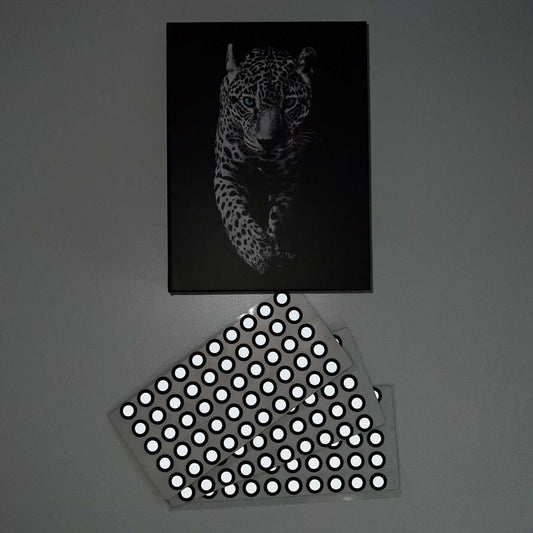
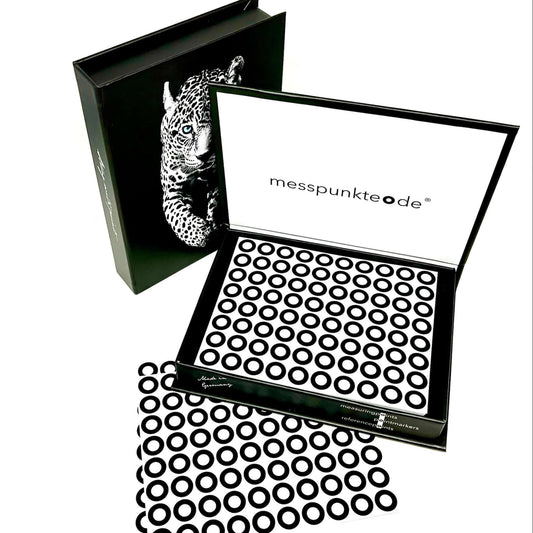
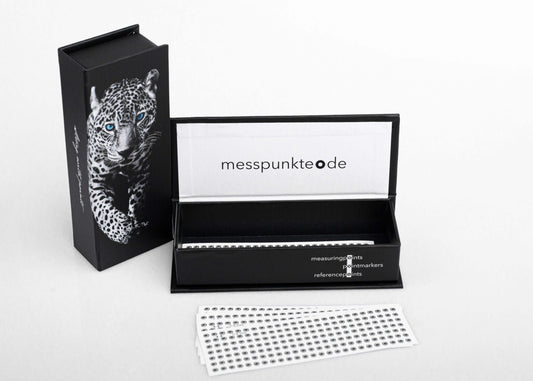
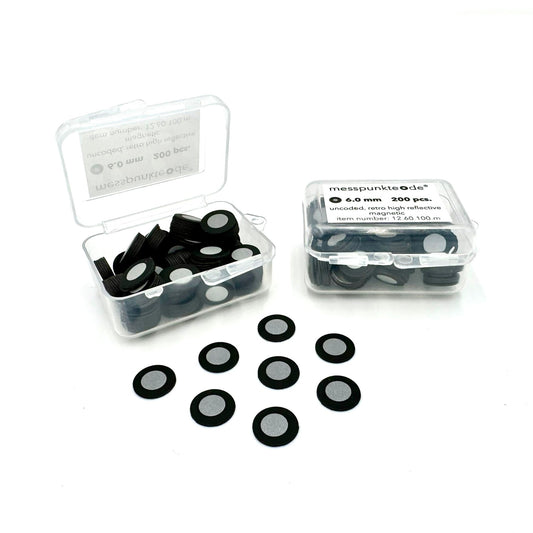
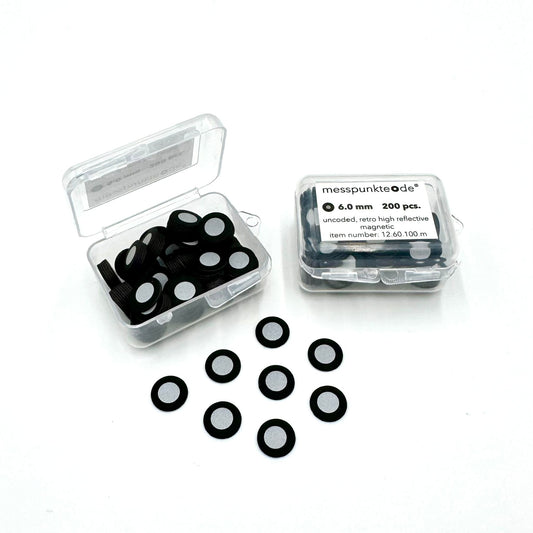
For marker-based modes, select the correct target size and finish and position them irregularly. On small or highly featured parts, a rigid reference fixture may be preferable to applying many stickers.
Scan in overlapping passes
Keep working distance steady, move slowly, and retain sufficient overlap around recesses and edges. Verify coverage before smoothing or hole-filling in post-processing.
Control the accuracy budget
Compare important dimensions against a reference and consider any spray coating's contribution to measurement offset.
Related 3D scanning guides
Related surface-preparation guidance includes scanning glossy and transparent objects, choosing the right matting spray, and allowing enough time for the coating to work. These articles cover the next steps in the same workflow.
Frequently asked questions
Are dark matte and shiny black the same problem?
No. Dark matte parts can provide weak signal; glossy black can also produce specular glare. The fix may differ.
Can I avoid spray entirely?
Often, if scanner settings and technology capture the material reliably.
Further reading and supplies: Compare ATTBLIME scanning sprays. Check the current equipment manual and product technical documentation for your specific setup.
How we select and verify technical sources ↗
Technical guidance is general. Check your scanner documentation and the relevant manufacturer's current technical and safety data sheets before applying products to sensitive parts.