How to Apply 3D Scanning Spray: Step-by-Step
Quick answer: A thin, uniform matte film often produces better scan data than a heavy opaque coat. Proper technique begins with surface compatibility and ends with validating the capture, not simply waiting for the coating to dry.
1. Check the technical and safety data sheets
Confirm the exact ATTBLIME formulation, material suitability, ventilation and PPE requirements, and recommended spray distance. The safety instructions apply even when a product is designed to sublimate.

2. Prepare a test area
Clean the part with an approved method, let it dry, and test a small inconspicuous patch. Avoid sensitive coatings until compatibility is established.
3. Prepare the aerosol
Shake and use the spray head according to its label and technical instructions. Formulations may have different mixing and nozzle requirements.
4. Apply one light, even pass
Hold the recommended distance and move steadily. Build the minimum coverage needed to suppress glare rather than depositing a thick coating. AB2, AB6, and ABP do not necessarily use identical application distances.
5. Allow the film to form
Wait for the product-specific film formation period, then check under the scanner's live camera. If the part remains reflective, change angle, exposure or coating only as needed.
6. Manage markers and scan window
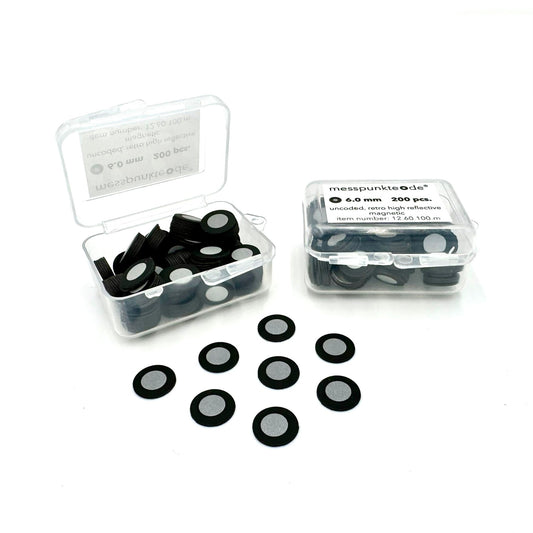
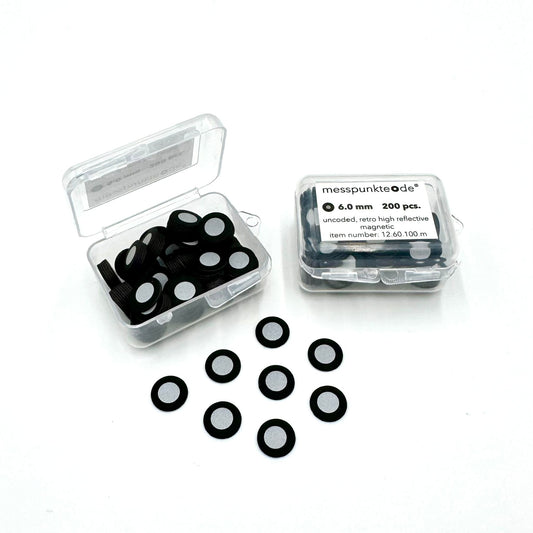
Keep reflective target centers clear. If targets are applied to the matte film, confirm they adhere securely. Schedule capture within the formula's usable scan time.
7. Inspect the part afterward
Sublimating products are intended to disappear; confirm the finish when critical. Semi-permanent products such as ABP require appropriate removal.
Related 3D scanning guides
Before your next scan, also consult ATTBLIME working-time selection, how to sequence spray and reference markers, and the complete part-preparation checklist. These articles cover the next steps in the same workflow.
Frequently asked questions
Should I spray until the part looks solid white?
Not necessarily. Excess coating can obscure fine details and add measurement offset.
Can I skip a test patch?
It is not advisable on finished, valuable, or unfamiliar materials.
Further reading and supplies: Compare ATTBLIME scanning sprays. Check the current equipment manual and product technical documentation for your specific setup.
How we select and verify technical sources ↗
Technical guidance is general. Check your scanner documentation and the relevant manufacturer's current technical and safety data sheets before applying products to sensitive parts.