How to Convert a 3D Scan into an Editable CAD Model
Quick answer: A 3D scan is a measurement of an existing surface. Turning it into an editable CAD design usually requires reverse engineering, particularly when the final model needs dimensions, features, and manufacturing intent.
Practical guide for industrial scanning and optical metrology.
Define the required output
Decide whether you need an STL for printing, a reference mesh, a STEP solid, or a parametric feature tree. Record critical dimensions and any surfaces that must mate with other parts.
Prepare and capture the part
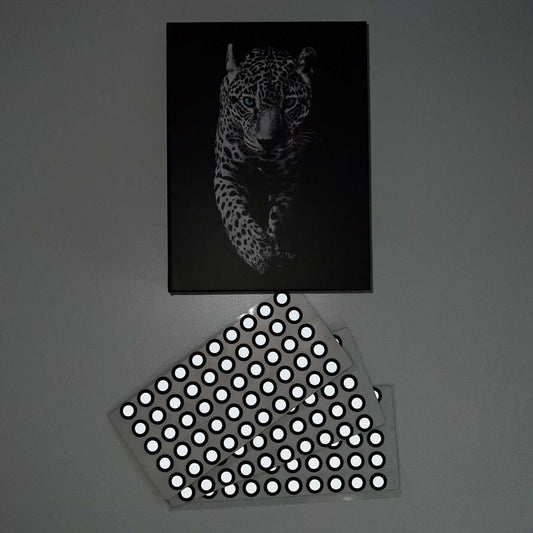
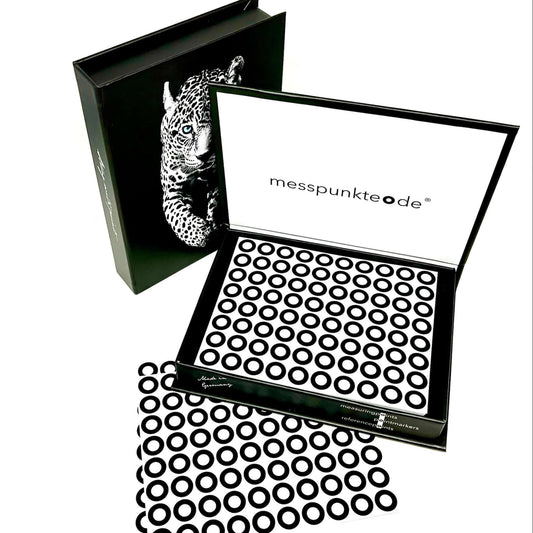
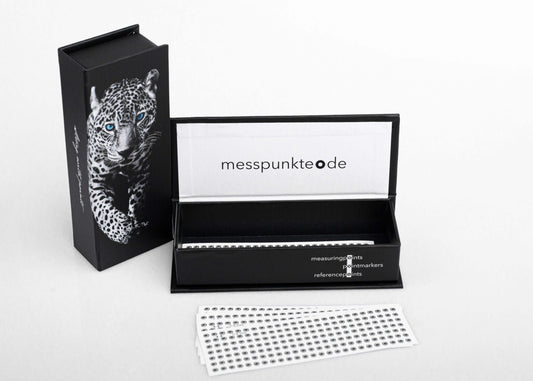
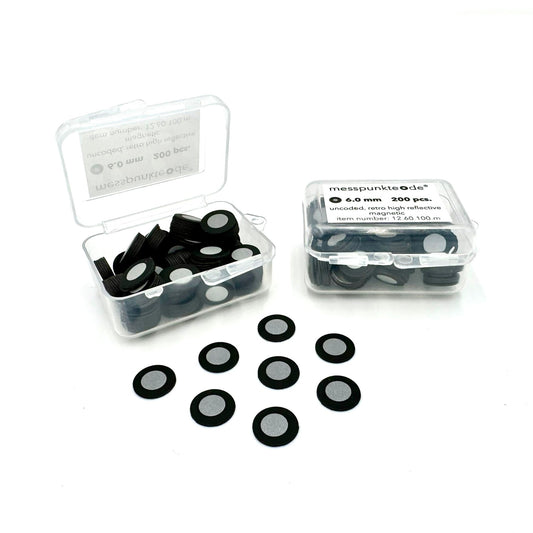
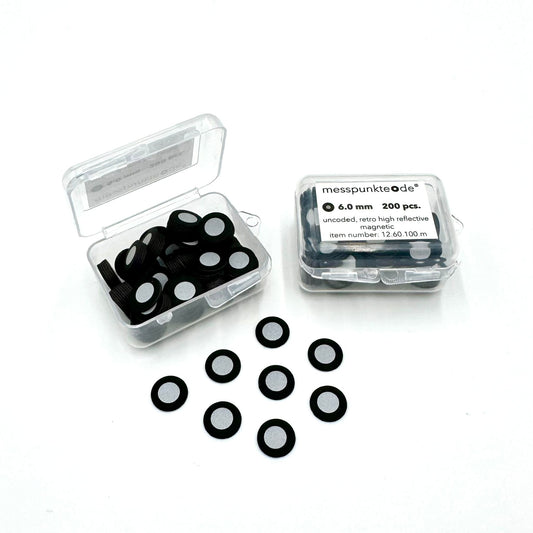
Fixture the object, manage difficult finishes, and add reference markers when your scanner requires them. Capture multiple views with enough overlap, including recesses and critical interfaces.
Clean without erasing geometry
Merge the passes, remove background data, check scale, and patch only holes that are not metrologically critical. Heavy smoothing can hide wear or damage.
Rebuild engineering features
Fit planes, cylinders, holes, and freeform surfaces in reverse-engineering CAD. Rebuild nominal features deliberately rather than copying wear, burrs, or manufacturing defects without judgment.
Validate and export
Compare the reconstructed CAD model to the source scan with a color deviation map and independently check critical dimensions. Export STEP for neutral CAD exchange or the native CAD format when edit history matters.
Related 3D scanning guides
For a more reliable scan-to-CAD handoff, read which scan export formats to request, how accuracy differs from mesh resolution, and how to prepare the original part. These articles cover the next steps in the same workflow.
Frequently asked questions
Will converting STL to STEP make it editable?
A format conversion alone may create a faceted solid; it does not automatically create useful design features.
Can a scanner generate a STEP model directly?
Some integrated workflows offer automatic surfacing, but clean mechanical CAD generally still requires verification and often manual modeling.
Next step: Contact our 3D scanning team. For target compatibility and chemical handling, verify the manufacturer's current documentation.
How we select and verify technical sources ↗
Technical guidance is general. Check your scanner documentation and the relevant manufacturer's current technical and safety data sheets before applying products to sensitive parts.