3 mm vs 6 mm vs 12 mm 3D Scanner Markers: Which Size?
Quick answer: Marker size must match your scanner's recognition settings and working distance. A 6 mm target is not automatically better than a 3 mm target, and a 12 mm target is not universally interchangeable.
Practical guide for industrial scanning and optical metrology.
Understand the measurement
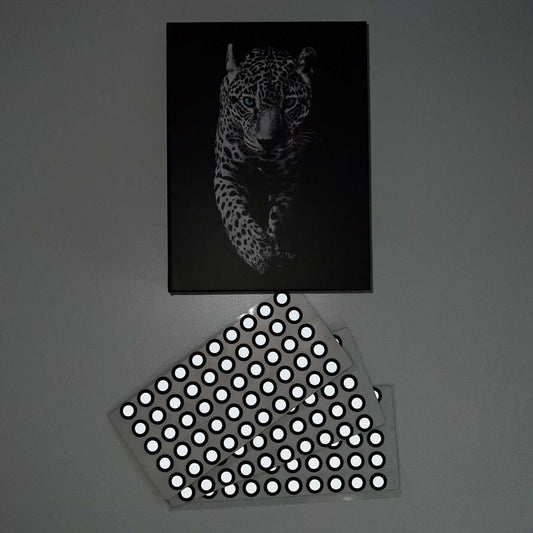
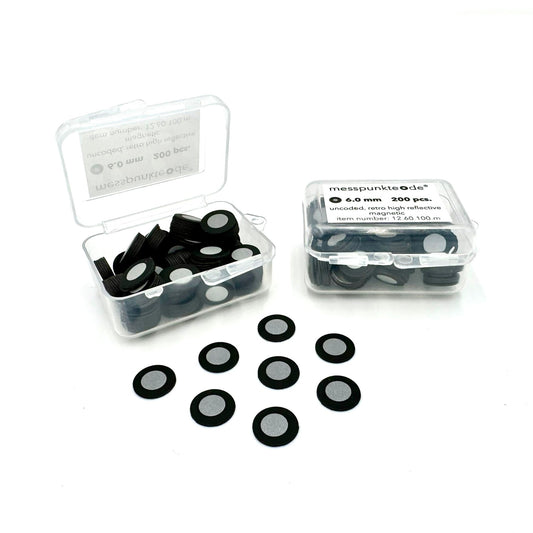
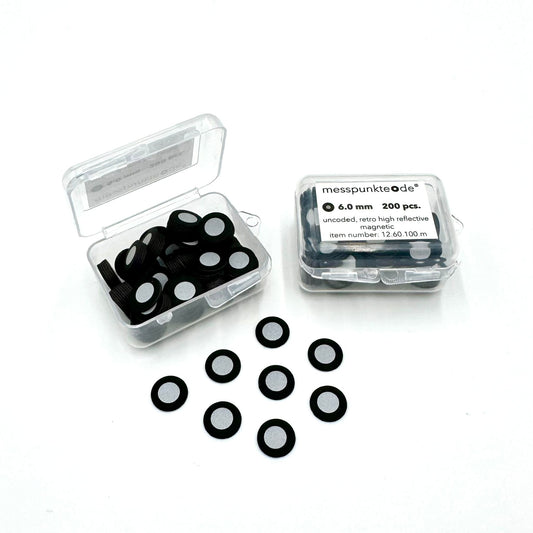
Marker sizes are usually listed by the diameter of the inner reflective or white circle, not necessarily the full sticker. Check the manufacturer's terminology before comparing SKUs.
Match the scanner, not just the part
Many handheld laser-scanning workflows commonly use 6 mm reflective markers. Smaller 3 mm markers appear in supported close-range workflows, while some optical-tracking systems require larger targets. Use the exact scanner model and tracking configuration to determine compatibility.
Consider working distance and image scale
A marker must occupy enough camera pixels for reliable center detection without being too large for the software or obscuring critical geometry. For structured-light systems, measuring volume and camera resolution can be as important as the model name.
Check material and mounting
After diameter, confirm retroreflective versus matte white, adhesive strength, sheet versus roll, and whether magnetic or repositionable mounting is supported.
Run a short recognition check
Scan a marked sample at your normal standoff, verify stable tracking through several angles, and inspect the resulting data before committing to a large setup.
Related 3D scanning guides
For a complete marker setup, compare reflective and white target types, proper marker placement, and how many dots you need in each view. These articles cover the next steps in the same workflow.
Frequently asked questions
Can I use 3 mm stickers in a scanner set up for 6 mm?
Do not assume so. Use a supported marker size and any required setting changes specified by the equipment manufacturer.
Does 12 mm refer to the whole black sticker?
Not necessarily. Supplier listings usually describe the inner visible target; verify the product drawing or datasheet.
Next step: View relevant 3D scanning supplies and technical guidance. For target compatibility and chemical handling, verify the manufacturer's current documentation.
How we select and verify technical sources ↗
Technical guidance is general. Check your scanner documentation and the relevant manufacturer's current technical and safety data sheets before applying products to sensitive parts.