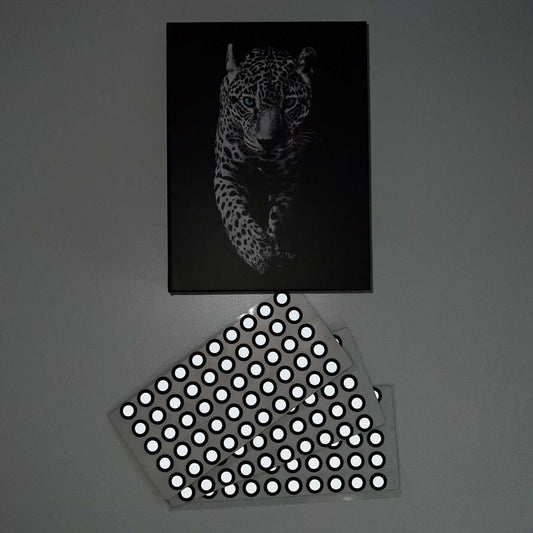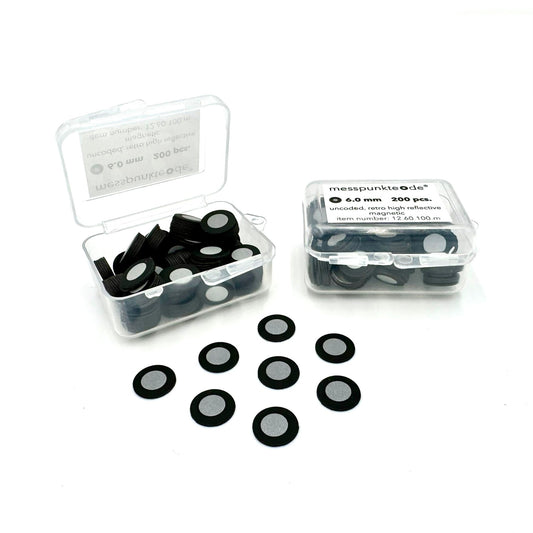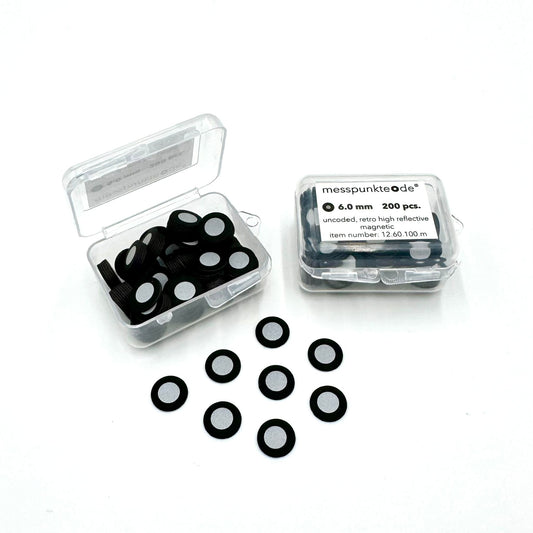
How Many 3D Scanning Target Dots Do I Need?
Quick answer: There is no single target count that works for every scanner. The useful measure is how many distinct markers remain visible in each frame and across successive scan positions.
Practical guide for industrial scanning and optical metrology.
Start with your scanner's field of view
Find the field-of-view size at your normal working distance and the manufacturer's minimum target count. Several handheld systems specify at least four or five simultaneous markers; some recommend more. Do not apply these thresholds to photogrammetry or structured-light systems without checking their manual.
Use irregular spacing
Create a nonrepeating pattern across the part and any rigid fixture. For many handheld systems, spacing of a few centimeters is a practical starting point, but published recommendations vary substantially by scanner and viewing mode.
Protect the features that matter
Keep stickers away from mating faces, sharp edges, holes, datums, and surfaces that must be inspected. Put additional markers on a removable fixture if there is little usable area on the part.
Check overlap as you move
Watch the scanner's live marker count while making a complete practice sweep. If the count drops at corners or in recesses, add targets where they stay visible from adjacent angles.
Estimate consumption
Calculate the usable surface area, then validate a representative layout on the real object. Marker count depends on shape, occlusion, field of view, and scan sequence, so any calculator is an estimate rather than an accuracy guarantee.
Related 3D scanning guides
Before adding more stickers, review the target size your scanner can recognize, how to distribute markers across the part, and common causes of tracking loss. These articles cover the next steps in the same workflow.

Frequently asked questions
Are more dots always better?
No. Excessive or poorly placed markers can hide geometry without fixing tracking. Adequate unique markers in overlapping views matters more than the absolute total.
How far apart should targets be?
Use scanner-specific guidance. A fixed spacing copied from another manufacturer's system can be wrong for your field of view.
Next step: View relevant 3D scanning supplies and technical guidance. For target compatibility and chemical handling, verify the manufacturer's current documentation.
How we select and verify technical sources ↗
Technical guidance is general. Check your scanner documentation and the relevant manufacturer's current technical and safety data sheets before applying products to sensitive parts.