Should You Apply 3D Scanning Spray Before or After Markers?
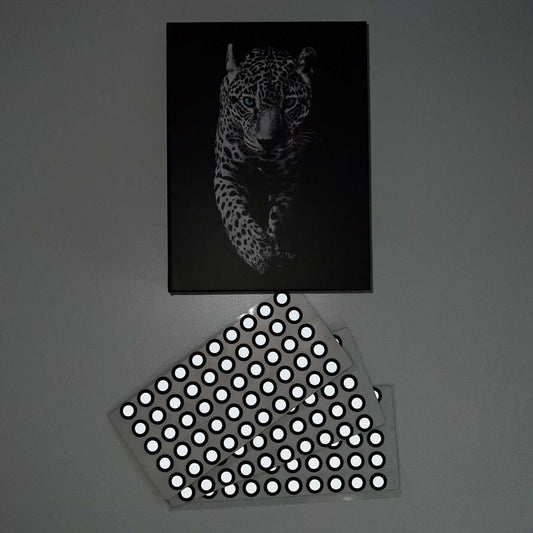
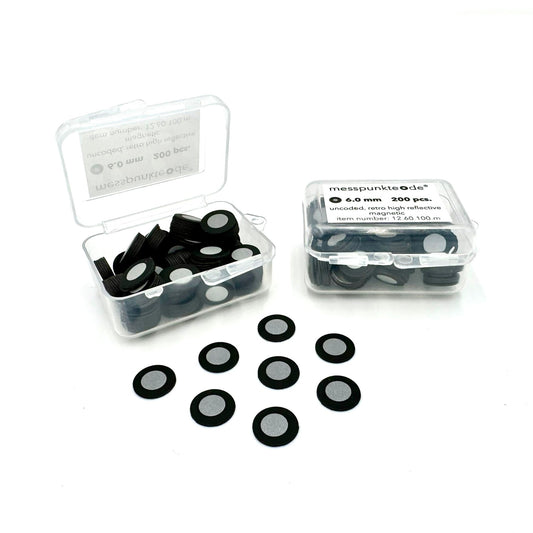
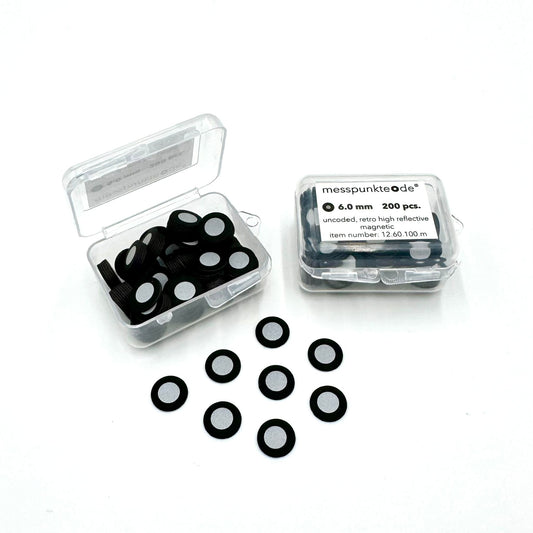
Quick answer: The safest sequence depends on the scanner, target construction, and coating. The governing rule is simple: keep every target optically visible and rigidly fixed.
Practical guide for industrial scanning and optical metrology.
For many difficult surfaces, spray first
Matte the part in a light uniform pass, let the film form, and then apply markers if the coating supports adhesion. This avoids coating the reflective or high-contrast centers that the scanner needs to detect.
Watch the adhesive interface
Not every temporary film provides a suitable bonding surface. If markers peel from the spray, use a compatible fixture or put targets on approved uncoated zones while preserving the scan sequence.
If markers are already installed
Masking target centers or carefully working around them may be possible, but overspray can reduce detection. Do not rub or clean a marker while scanning if doing so could move it.
Keep reference geometry stable
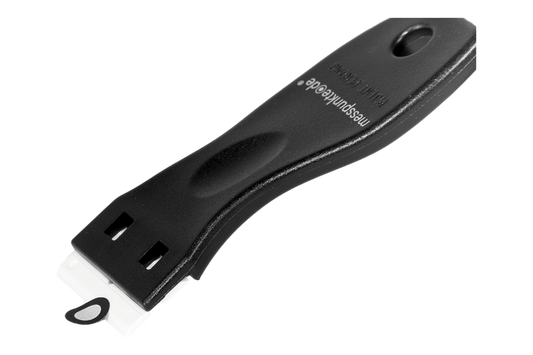
Any markers used to register scan passes must remain in the same location through the acquisition. Do not peel and replace targets between views unless the software workflow explicitly supports it.
Do a two-minute check
Make a small sample setup, verify target recognition and surface capture, then roll the process out across the full part. Always follow the particular scanner and spray instructions.
Related 3D scanning guides
For an end-to-end setup, review correct reference-marker placement, spray application best practices, and scanning highly reflective parts. These articles cover the next steps in the same workflow.
Frequently asked questions
Will spray on a reflective marker stop it working?
A matte coating can lower reflectivity and may prevent reliable detection. Keep marker centers clear.
Can markers stick to sublimating spray?
Some formulations and target adhesives work together, but adhesion and stability should be tested rather than assumed.
Next step: View relevant 3D scanning supplies and technical guidance. For target compatibility and chemical handling, verify the manufacturer's current documentation.
How we select and verify technical sources ↗
Technical guidance is general. Check your scanner documentation and the relevant manufacturer's current technical and safety data sheets before applying products to sensitive parts.